Repetitive manual work
- How it looks
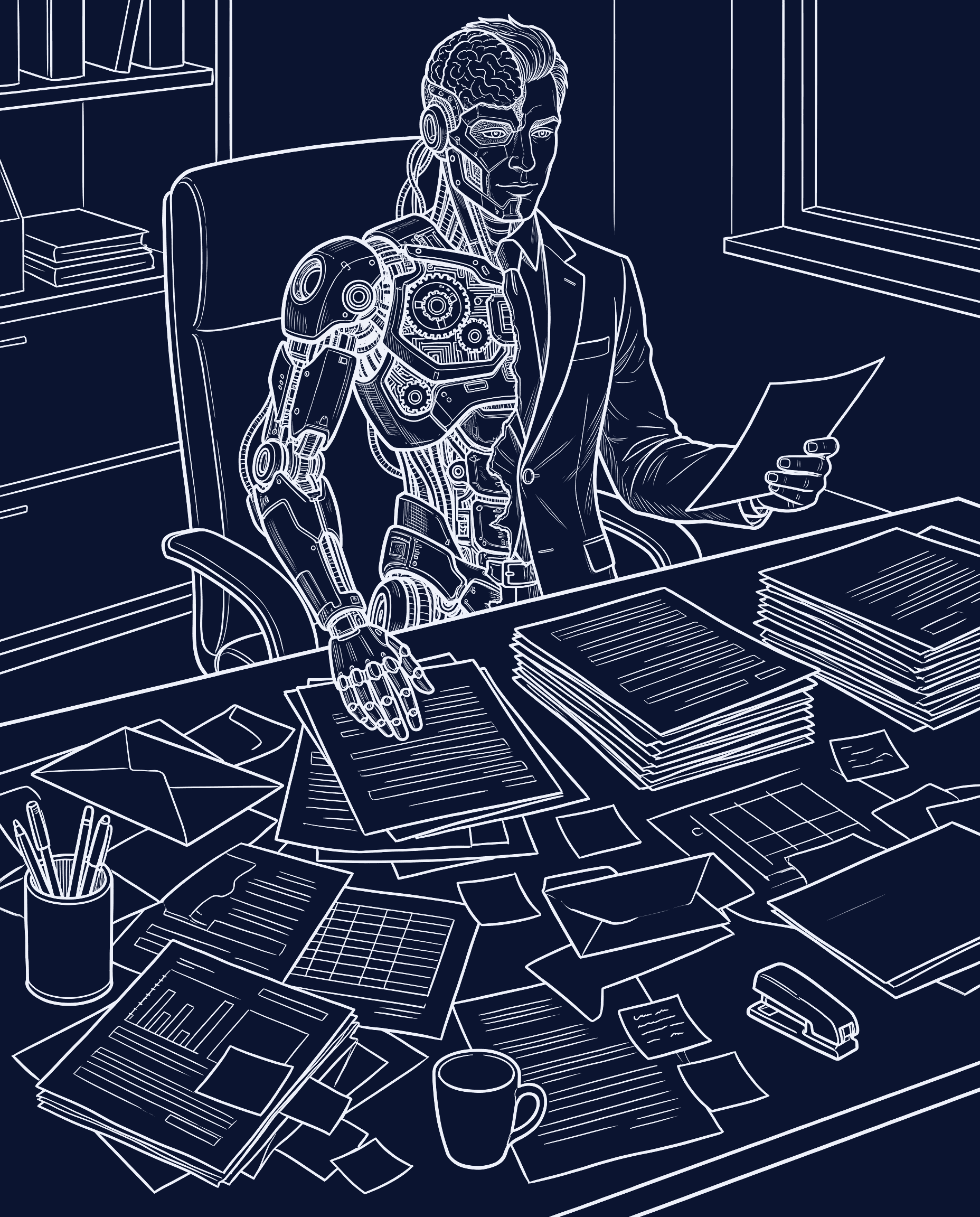
- The same steps by hand every day: copying, pasting, chasing approvals.
- What we would build
- Automations for the repetitive steps, with a person approving what matters.
- Service
- AI automation
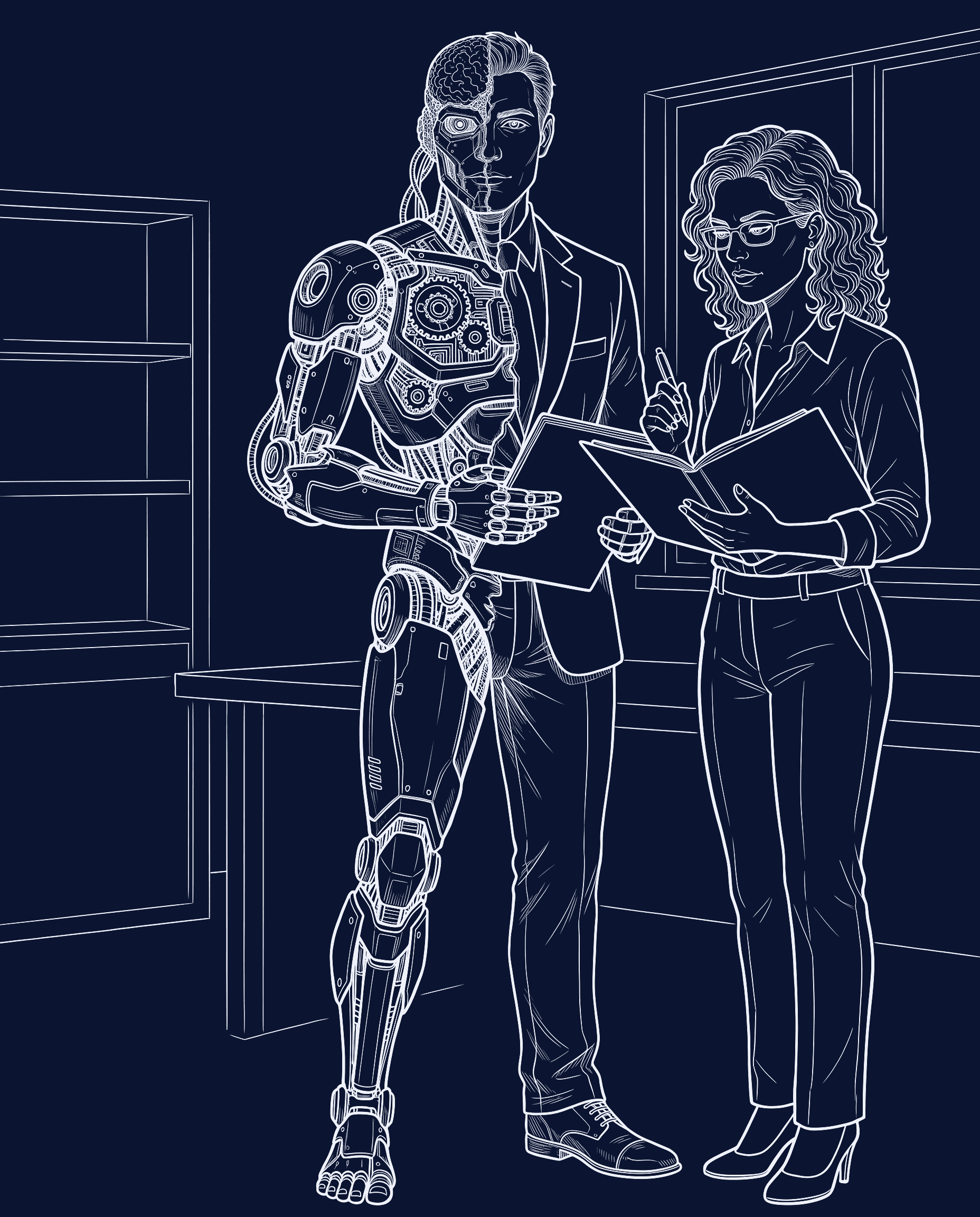
We connect your email, spreadsheets and systems, automate the repetitive steps and build the tools that are missing.
Automation takes the repetitive work; your team keeps the decisions.
Illustrative example
A purchase order arrives by email. This is how it is handled today, and how it is handled once your tools are connected.
7 manual steps
5 connected steps, one decision made by a person
Pick the one that sounds like your week.
We learn how your operation works first. Then we decide whether it needs AI, an integration, or software built from scratch.
One process at a time.
We follow it from start to finish with the people who run it.
Starting point
We link the email, spreadsheets and systems you already use before adding anything new.
Integration
Automations take over the repeated steps, with AI only where it helps and a person approving what matters.
AI automation
If a tool is missing, we build it around your process, documented and maintainable.
Custom software
Illustrative example · fictional data
A professional services firm keeps its requests in a shared inbox, a spreadsheet and its CRM. Connect them to see one view.
Shared inbox
Spreadsheet
CRM
| Request | Client | Source | Owner | Next step | Status |
|---|---|---|---|---|---|
| Contract renewal | Vantrell Co. | Shared inbox | Dana | Send the draft on Thursday | In progress |
| New office setup | Ostmark Dental | Spreadsheet | Luis | Waiting for their signed form | Waiting for the client |
| Monthly report | Lindqvist & Ruiz | CRM | Priya | Review the figures with the client | New |
| Billing question | Quarrow Tile Works | Shared inbox | Tom | Closed, reply sent | Done |
Without a connection, each request lives in a different tool. Connected, the team sees the owner, the next step and the status in one place.
Any business with an operational process that depends on manual work, scattered information or tools that don't fit. We are not limited to one sector.
No. We use AI where it adds value, such as reading documents, and a simpler automation or integration where that is enough.
Not necessarily. We start by connecting what you already have and only build something new where a tool is missing.
You tell us about one process. We ask questions to understand it and tell you whether we think we can help and what a sensible next step would be.
Yes. We work in English and in Spanish.
Before we start, we agree on the scope, the deliverables and who is responsible for what.
It is agreed in writing in the proposal for each project, before we start.
We agree it in the proposal: whether it includes maintenance and support, for how long and on what terms.